Nobody reads a CV from the top down
Attention lands in two or three places and skips the rest. The order you put things in is not the order they get read in, and the paragraph you spent an evening rewriting may not have been reached at all.
You sent it. Then nothing came back.
Every application has an unknown in it. You know what you sent and you know what came back; what you have never been allowed to see is the bit in between — what they actually did with it. That is the x. It is the last letter of our name because it is the whole reason we exist.
Reading a CV is not one event. It is thirty or forty seconds spread very unevenly across ten sections, and the shape of that spread is the most useful thing you could possibly know about your own document. Resumetricx measures it and gives it to you.
The part you were never shown

Attention lands in two or three places and skips the rest. The order you put things in is not the order they get read in, and the paragraph you spent an evening rewriting may not have been reached at all.
The reading takes place in someone else’s browser, in a tab you cannot see into. Nothing about it comes back with the rejection, and no amount of following up will produce it.
Tailor your CV, they say, and nobody ever finishes the sentence by telling you to what. Every rewrite you have done was a hunch about a reading you were not allowed to see.
What the answer looks like
You do not have to change how you apply. Build it once, send a link instead of an attachment, and the report is waiting the next time someone opens it.
Step 1 of 3: Build it here, so the page knows what it is
01
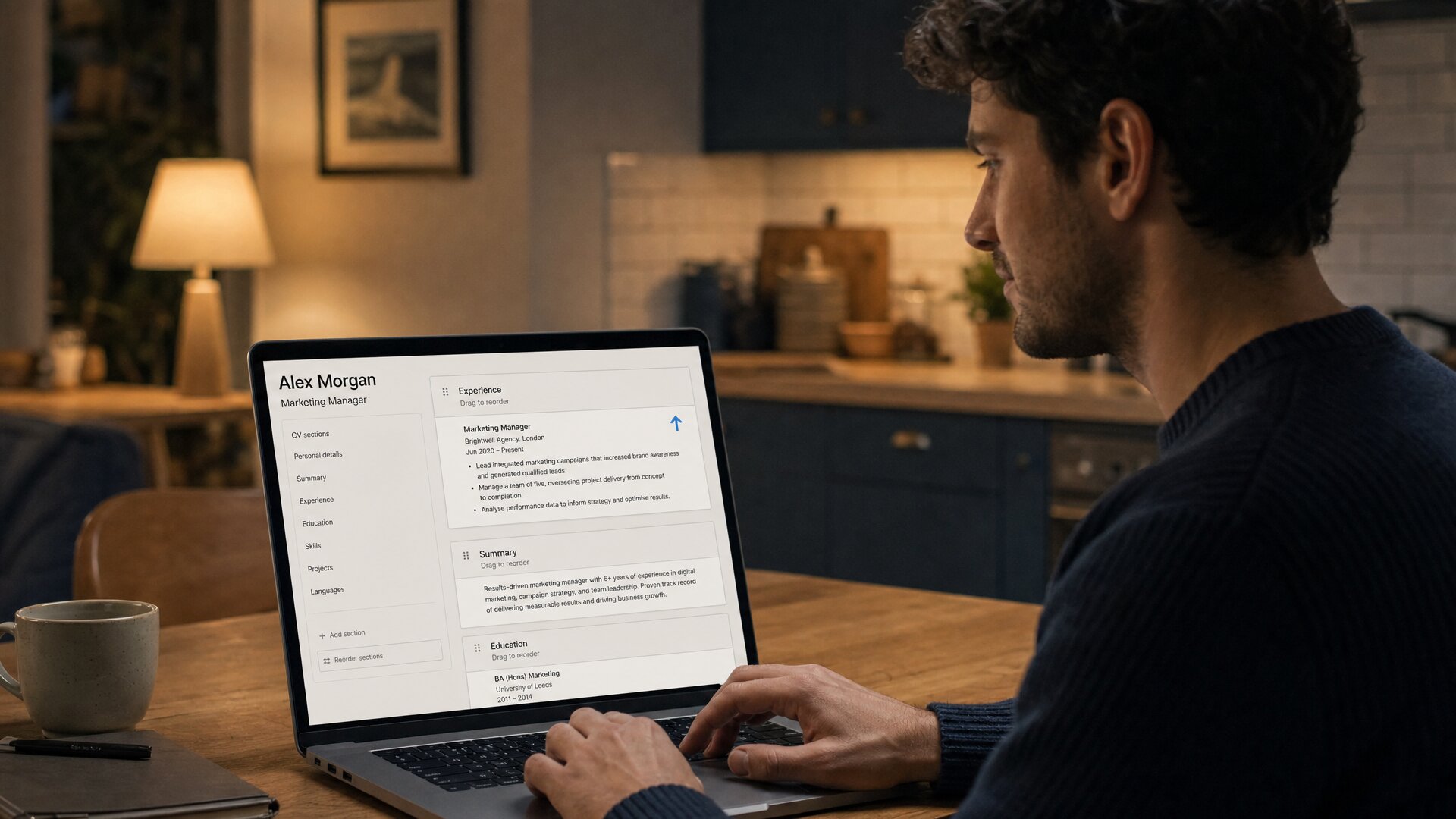
You write your CV the way you would anywhere else, with templates and writing help. The difference is underneath: every block is labelled as it is drawn, so your Experience is known to be Experience and not just a rectangle of text.
02
One link, always showing the current version, in the application form or the email or the message. Nothing is required of the person who opens it — no sign-in, no email address, no wall in front of your CV. The document is simply there.
03
The report names sections rather than pages. Thirty-eight seconds on your current role, four on Education, none at all on Interests — and that sentence is an instruction, not a statistic.
What the report says
Nothing here is modelled, predicted or simulated. If it appears on your report, a browser did it.
Thirty-eight on your current role, four on Education, none on Interests. This is the line no other product in the world produces, and it is the one that tells you what to move.
The strongest signal on the page. Somebody read enough to want to contact you, and you know the minute it happens rather than three days later.
Not which section held them longest — the path they actually took. Straight to your current role, back up to the summary, stopped before Education. The shape of the attention, numbered, in the order it happened.
Dwell tells you what held someone. A return tells you what they were not sure about, or what they wanted to check twice before making a decision. Nothing else on the market reports a re-read at all.
The point past which nothing was reached, and the sections sitting under it by name. Everything below that line is costing you space and earning nothing.
Send a named link per company and every reading arrives labelled. Not "someone opened your CV" — which role, which employer, and how they read it.
A reading in progress, counting up. You find out someone is on your CV now rather than after they have closed it.
The minute it was opened, whether it was opened again that evening, which of your links they followed, and whether it was read on a phone between meetings. Several job boards give you a version of this free; we are not going to pretend it is rare.
Some application forms only accept an upload. Export the same CV as a real PDF on any plan including the free one, or as DOCX, HTML and plain text from Starter, in a layout an applicant tracking system can read.
Then it tells you what to change
Every other product in this space stops at the chart. Once your CV has been read a few times, this one ranks the changes worth making, shows you the readings each one came from, and lets you apply the reorder in a click.
Across six readings your Skills section held a median of one second and Education, sitting above it, held four. Every suggestion carries the numbers it came from, so you can disagree with it. It will not say anything at all from fewer than three readings.
Send the new version to the next batch of applications and compare them section by section, with a real significance test rather than a guess about two averages,. Your summary held readers longer; your skills list lost ground. Both are shown, because a tool that hides the half you made worse is flattering you.
Two of five opened, typically within a day; two sitting untouched for a fortnight. It will not tell you why — an applicant tracking system may have screened it, or the role may have been filled — only that the link was never followed.
It has not read your words. It knows where people looked, so it talks about order and never about wording — no keyword advice, no “shorten this”. Where the evidence is thin it says so instead of guessing, which is the only reason to trust it when it does speak.
Why us, and not the obvious alternative
What a page-level tracker sees
What this one sees
Page-level dwell is a real feature on a forty-page pitch deck. On a one-page CV it collapses into a single number, and it is the number you already had. We checked around seventy tools and quoted each one from its own documentation.
See how we compare, including the four things we are not better atIf you are the one who just opened a CV

This is the question that decides whether you are comfortable using it, so it goes here rather than in the small print. Nobody is identified. Nobody is caught out. And the person reading your CV can switch the measurement off in one click without making an account — the control is on our transparency page, where the reader can also read exactly what is recorded.
Name & contact
Amara Okonkwo
Product Designer · Rotterdam
Summary
Eight years designing data-heavy interfaces. I take instruments people avoid and make them legible enough to act on.
Experience — current
Senior Product Designer · Northwind Analytics · 2022–present
Rebuilt the reporting suite used by 40 enterprise teams. Cut time-to-first-insight from nine minutes to under two.
Skills
Point at a section to see what this example reading recorded for it.
No fingerprinting, no lookup of an address against a database, no matching to a profile. Attention is stored against the document, not against a person. The one place a name can appear is a card on the CV asking the reader whether they want you to know they read it — optional, dismissible, blank unless they fill it in, and not shown at all to anyone who has objected. Several document trackers demand an email address before they will show your CV at all; this one shows the CV first and takes no for an answer.
It sits on the page, says what is measured, and links to the full explanation. Anyone reading your CV can see the measurement exists before they have read a line of it.
The objection control on our transparency page turns tracking off for that browser straight away. No sign-up, no email address, no form. Global Privacy Control and Do Not Track are honoured automatically and we cannot override them.
A covert tracker is one screenshot away from your CV being deleted. This one works in the open, so it is the version an in-house recruiter can be shown without anybody having a problem with it.
Checkable
Neither column is padded. If something is recorded it is on the left, including the parts that are less comfortable to write down.
Recorded on every reading
Never recorded, of anyone
Why now, not later
You cannot go back and find out how the CV you sent last Tuesday was read. That reading only exists if something was measuring it at the time. You are going to rewrite this CV anyway — the only question is whether you rewrite it from a record or from a hunch.
No card required. The first CV is free.